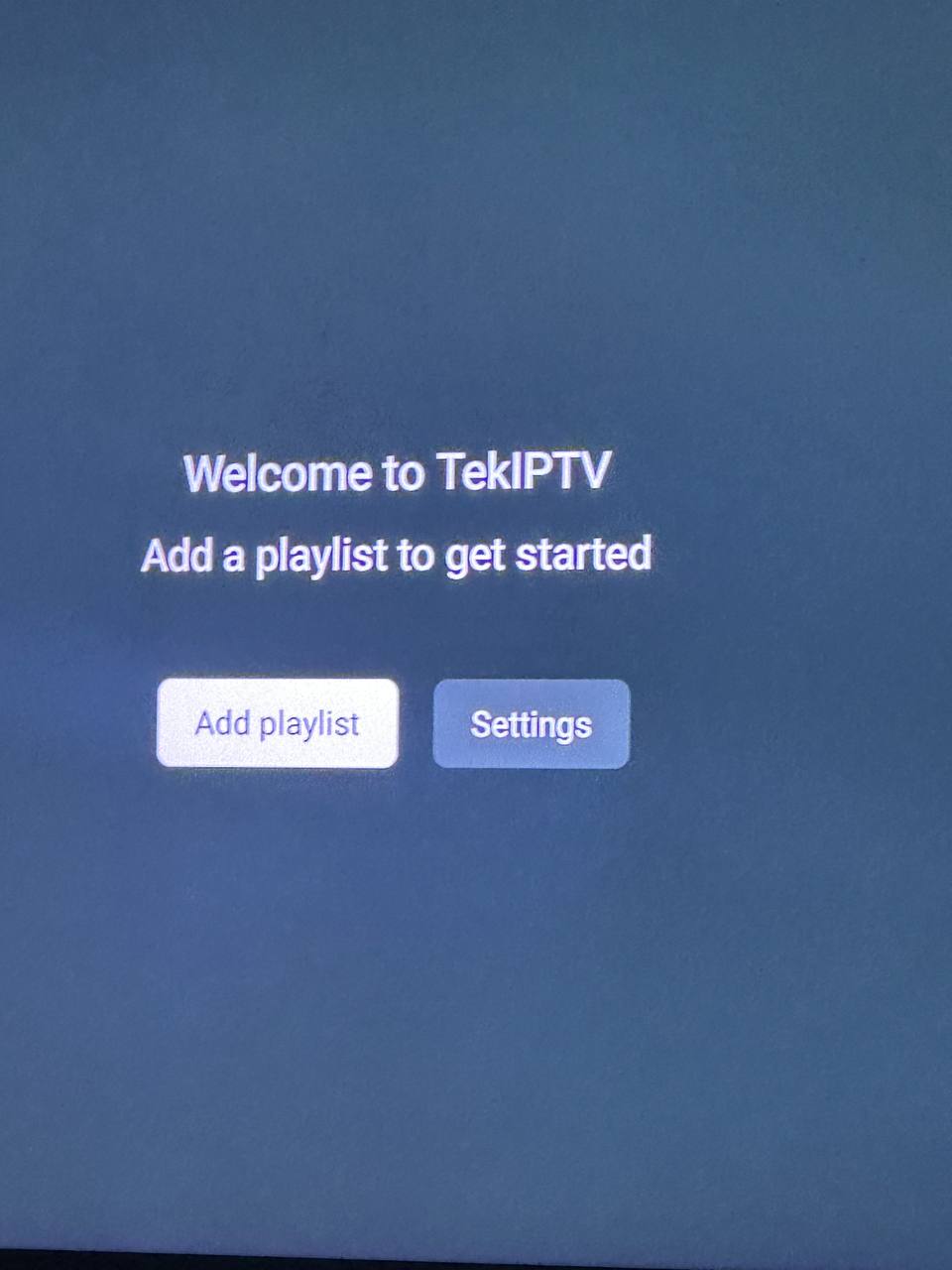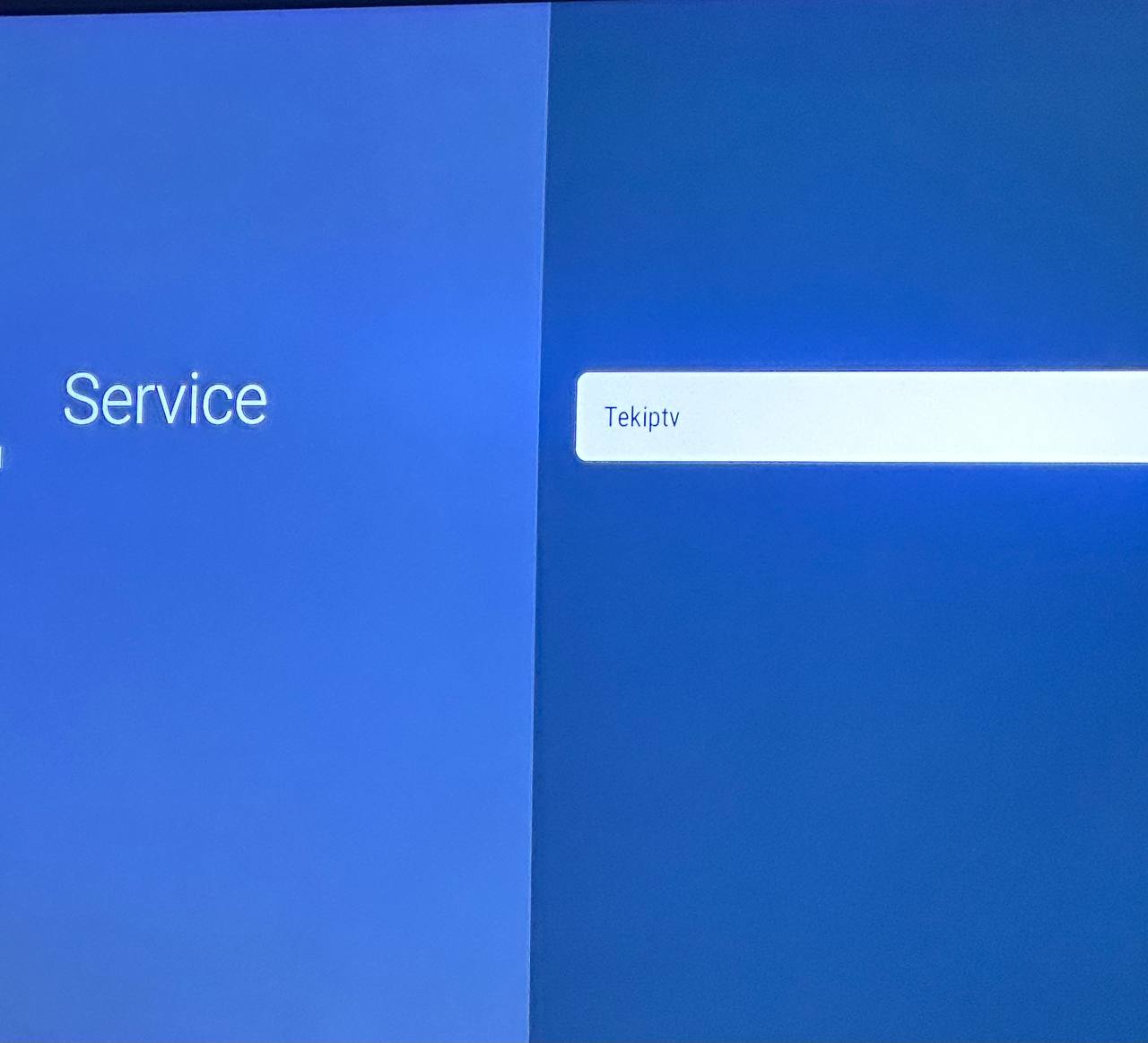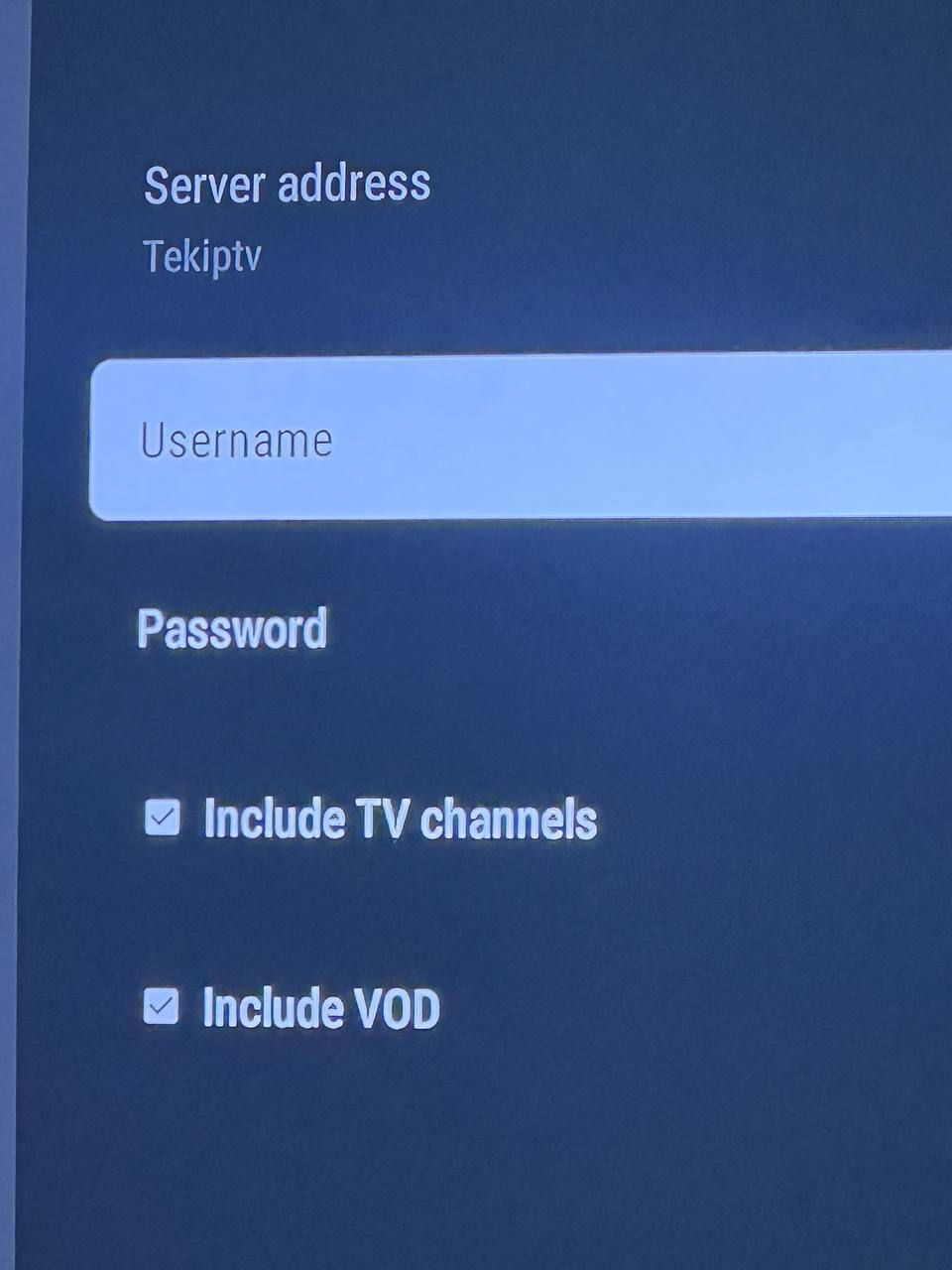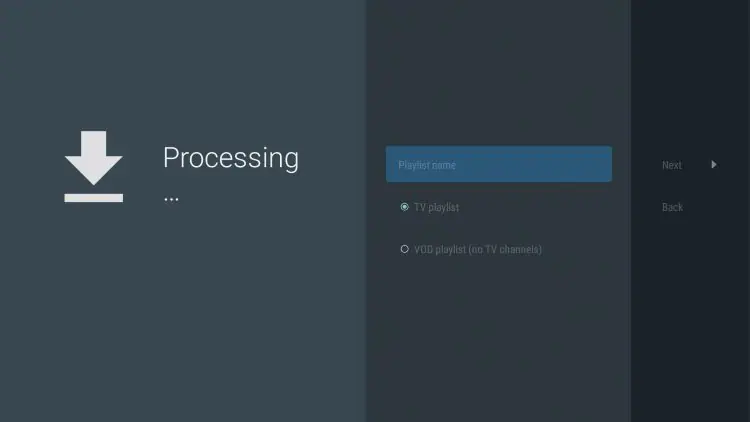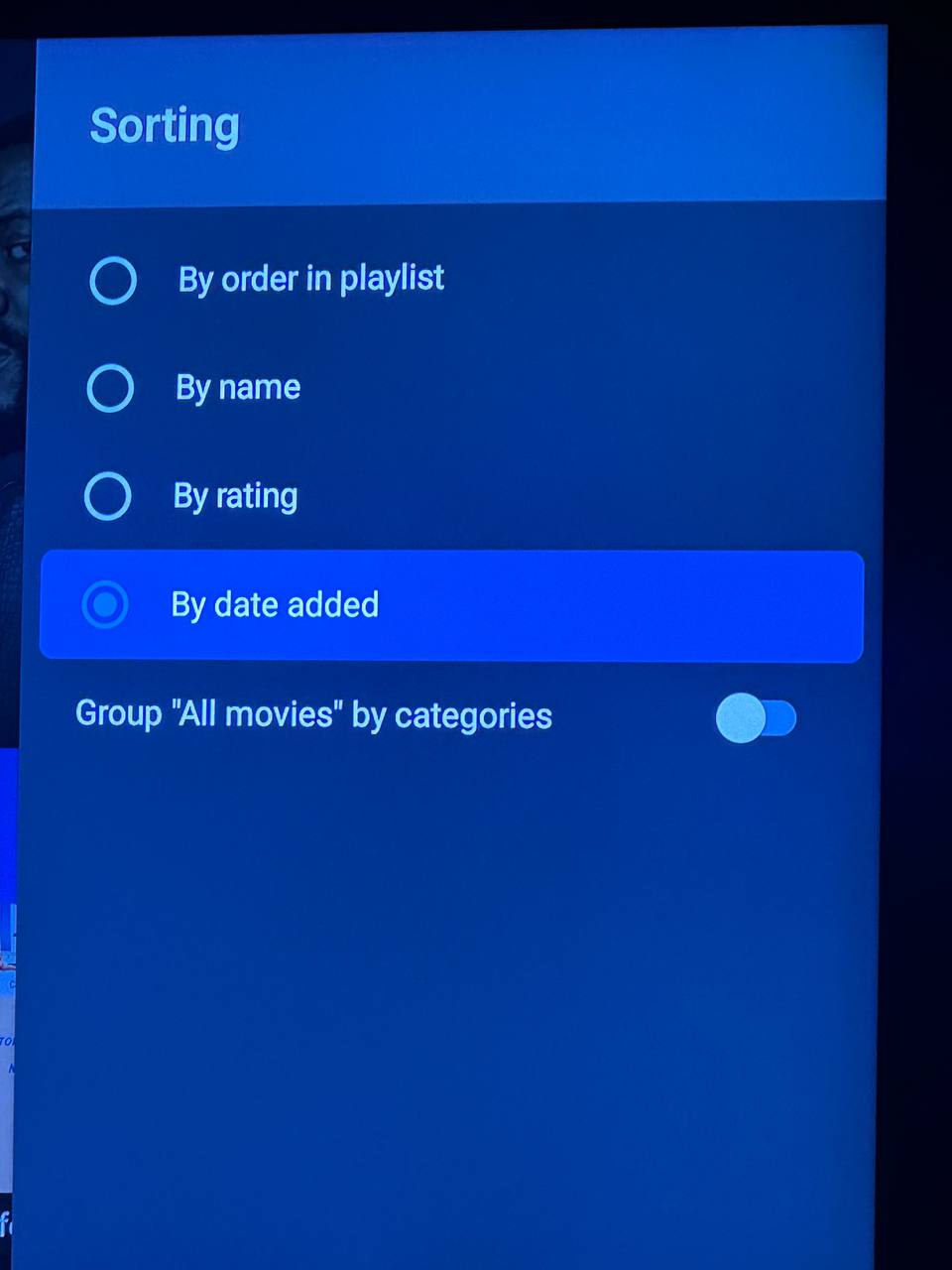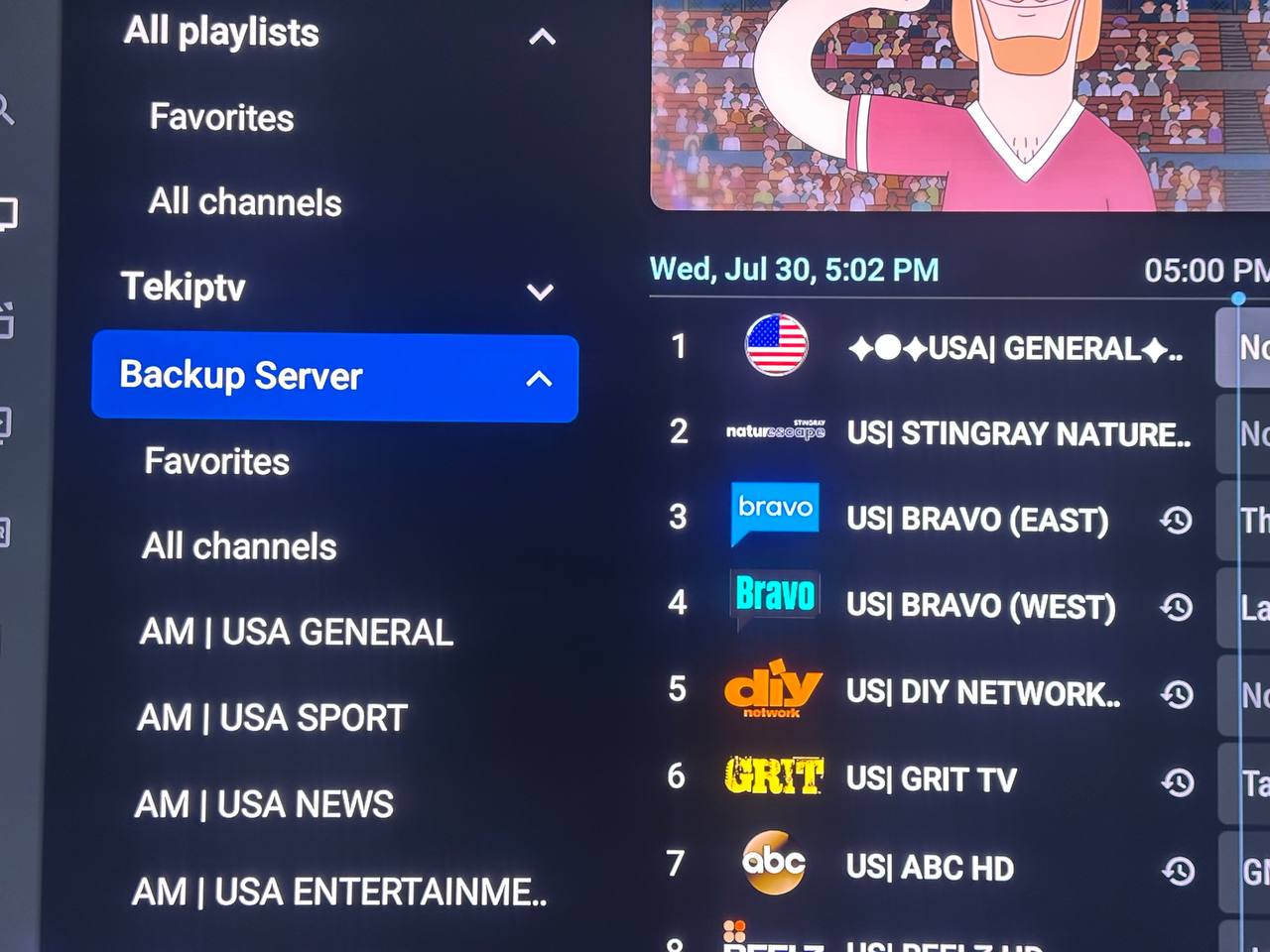
OUR TEKIPTV PLAYER ONLY WORKS WITH FIRESTICKS, SONY TVS, ONN MEDIA PLAYER OR OTHER ANDROID BASE DEVICES.

OUR TV SERVICE WILL ALSO WORK WITH OTHER IPTV PLAYER APPS TO YOUR CHOOSING, WE WILL PROVIDE ALL THE INFORMATION NEEDED TO ACCESS OUR SERVERS.

*IF YOU HAVE THE TEKIPTV APP ALREADY INSTALLED AND TRYING TO ADD MULTIPLE SERVERS/PLAYLIST TO A DEVICE, SKIP TO STEP C:*


OUR SERVICE IS NOT AVAILABLE ON THE NEW AMAZON FIRESTICK "SELECT" MODELS


FOR NON FIRESTICK USERS - YOU CAN STILL FOLLOW THE DIRECTIONS BELOW BUT PICTURES AND OPTIONS MAY LOOK DIFFERENT ON YOUR DEVICE.  
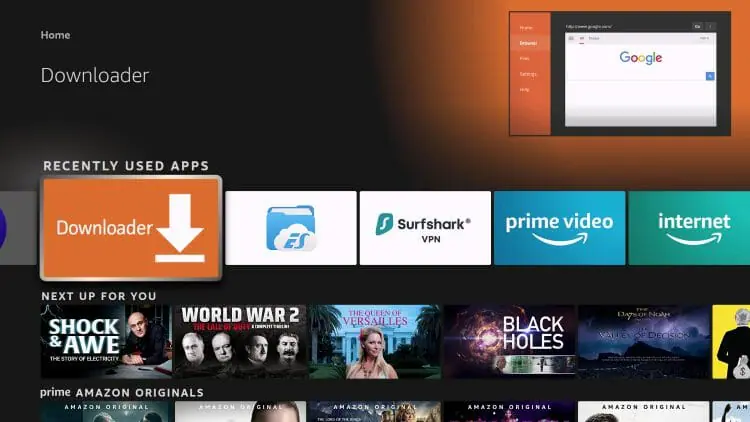
Follow Steps Below To Install The Tekiptv App To A Firestick OR ANDROID DEVICE
(TO INSTALL DIRECTLY ON SONY TVS, USE GOOGLE PLAYSTORE APP TO FIND THE "DOWLOADER" APP AND SKIP TO STEP B)

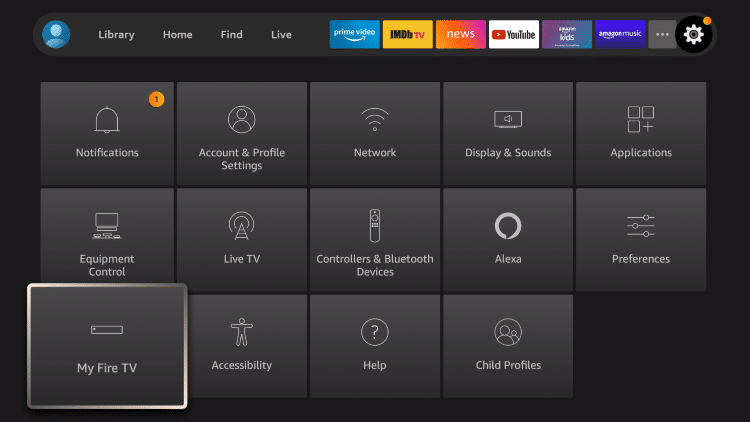
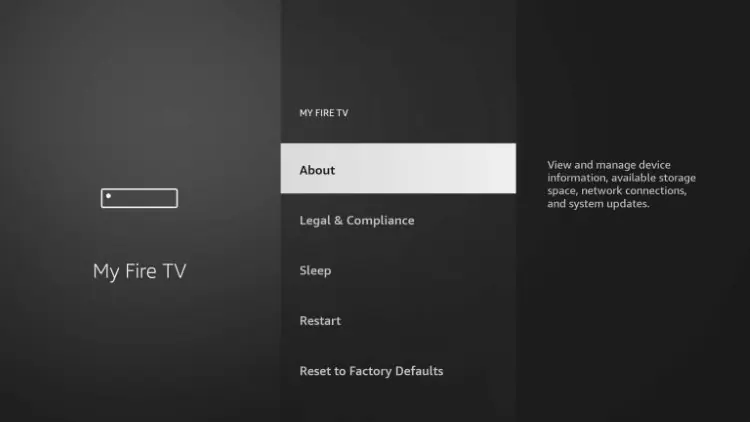
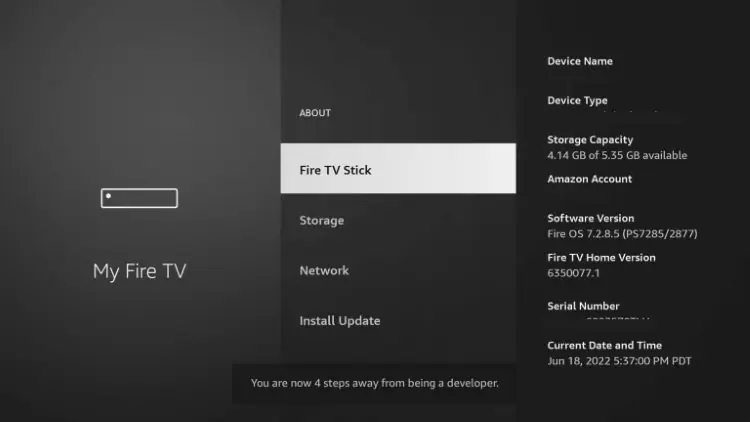
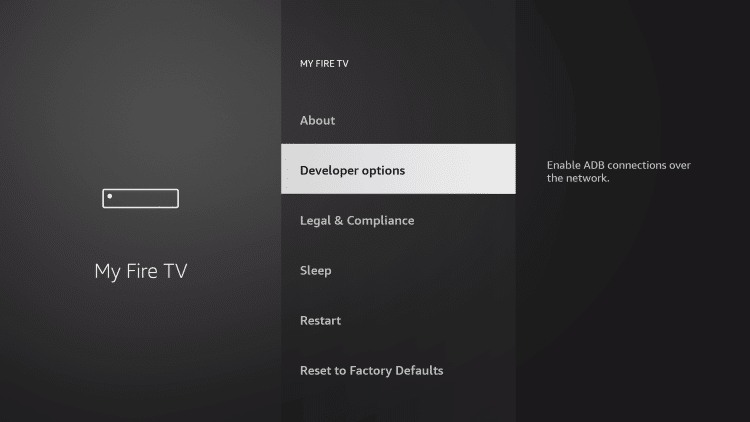
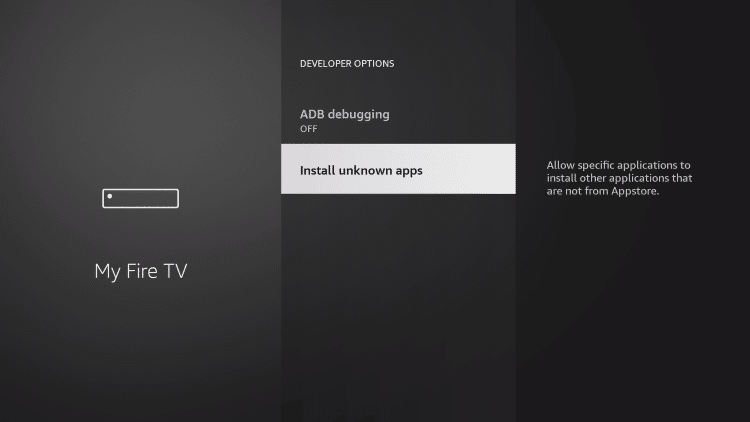
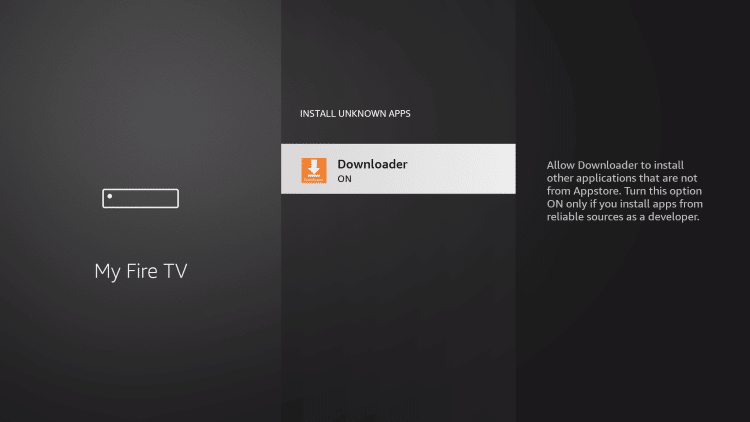
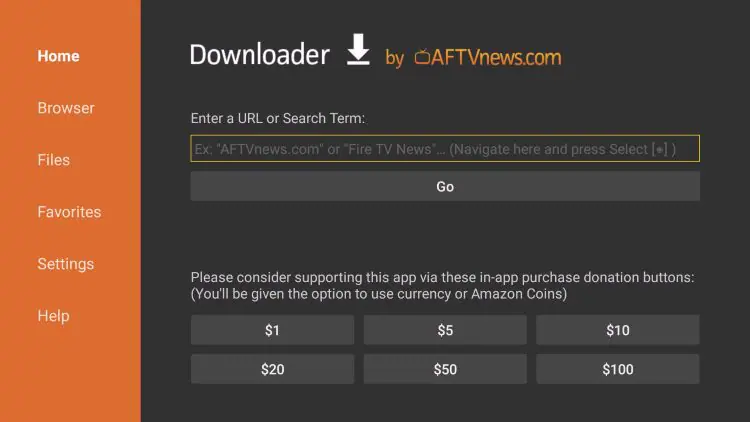
STEP A: INSTALLING AND SETTING UP THE "DOWNLOADER" APP
(IF YOU ALREADY HAVE THE DOWNLOADER APP INSTALLED AND DEVELOPER OPTION TURNED ON , SKIP TO STEP B) 
 

STEP B
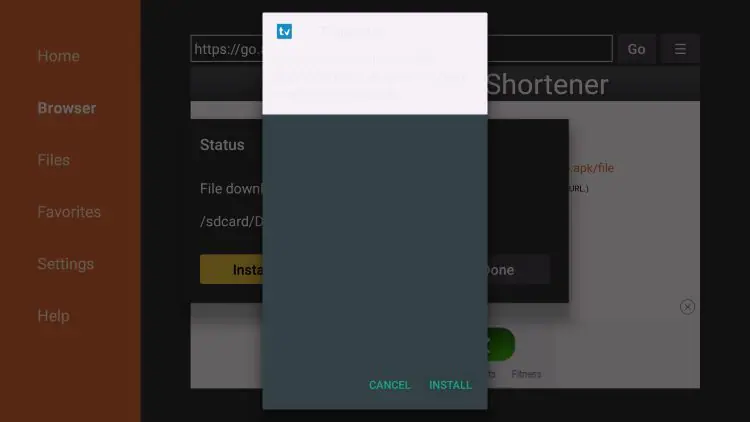
Installing TEKIPTV Player App
IF APP DOES NOT OPEN AFTER INSTALL, RESTART FIRESTICK / DEVICE
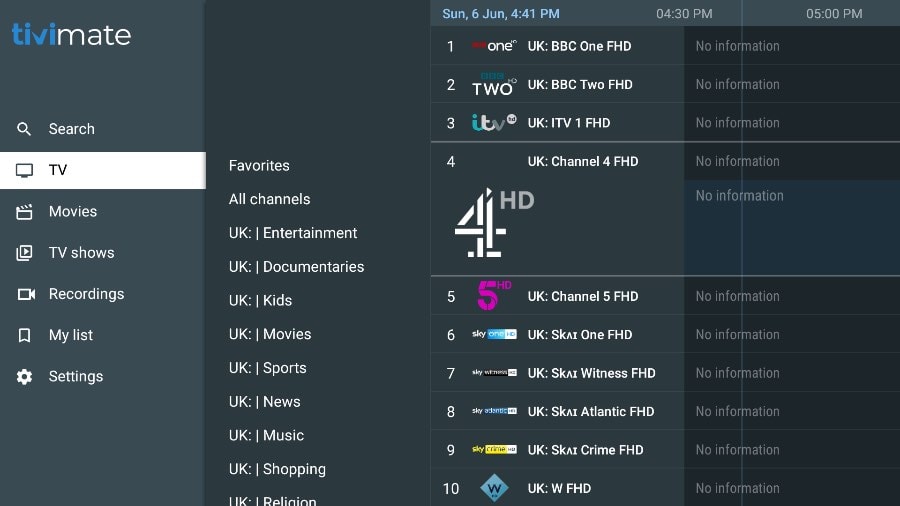
If you have previously installed the TIVIMATE APP, you MUST DELETE that app 1st before installing this app.
*PLEASE NOTE THE DVR FUNCTION ONLY RECORDS TO THE DEVICE THAT YOU ARE USING. (MOST FIRESTICKS DO NOT HAVE A LOT OF MEMORY TO SAVE ANY SHOWS. AN ADDITIONAL USB DRIVE MAY BE REQUIRED TO RECORD)  WE DO NOT RECOMMEND RECORDING AT ALL.
APP TIPS:
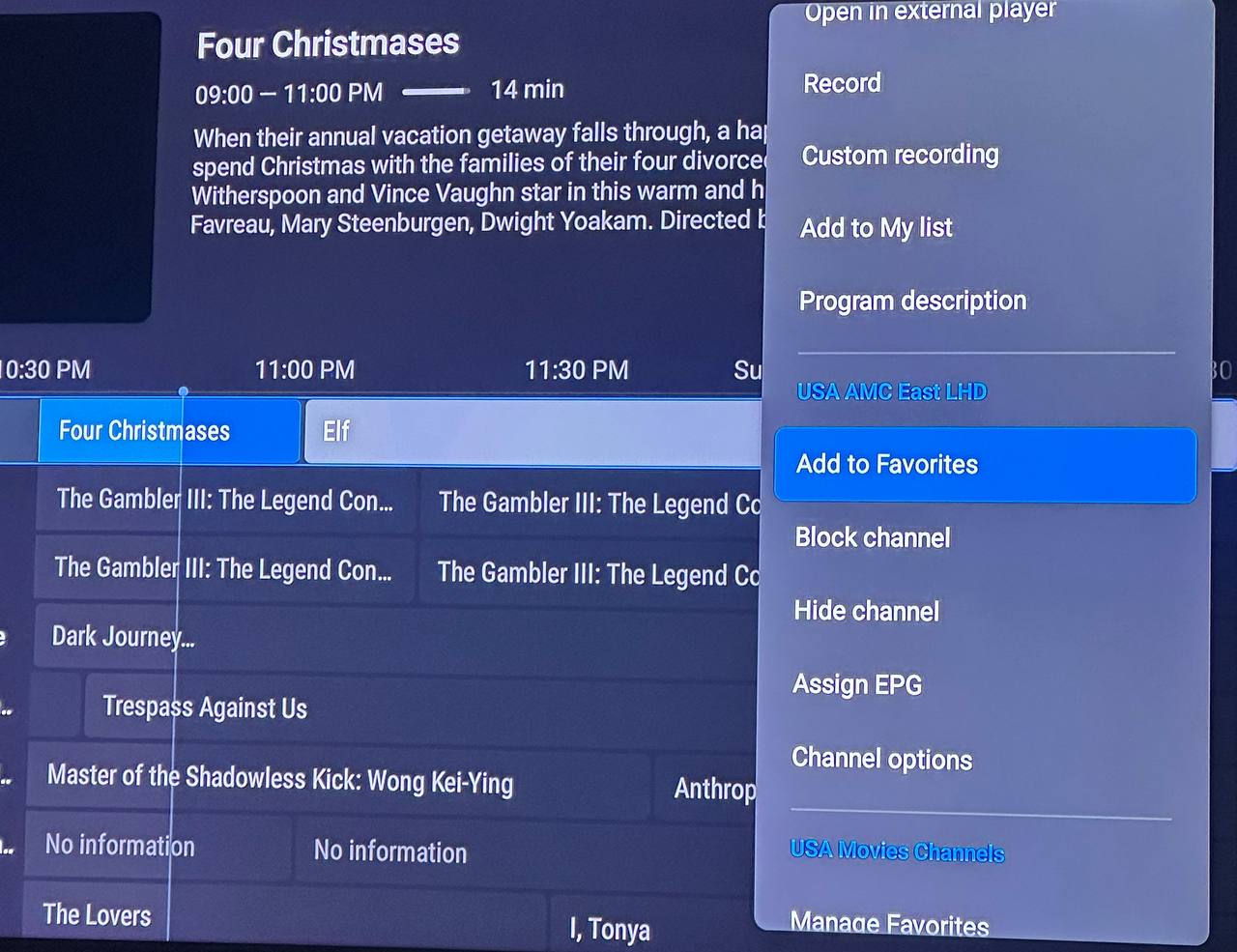
To Add Favorites - Highlight the desired channel, movie, or show then press the Menu button on your firestick remote (3 lines).  You'll see the option to "ADD favorites".
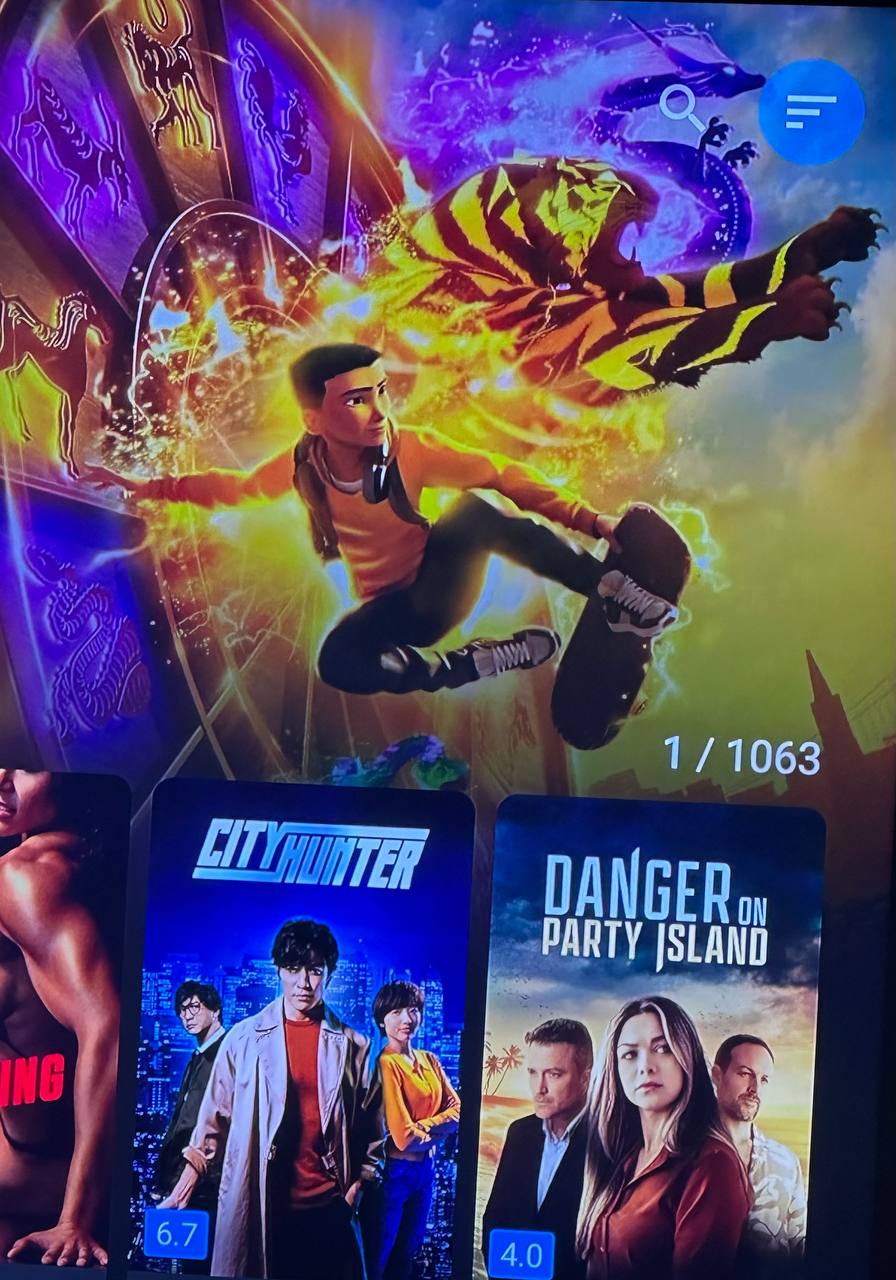
Movies And Tv Series are Saved To "MY LIST"
 

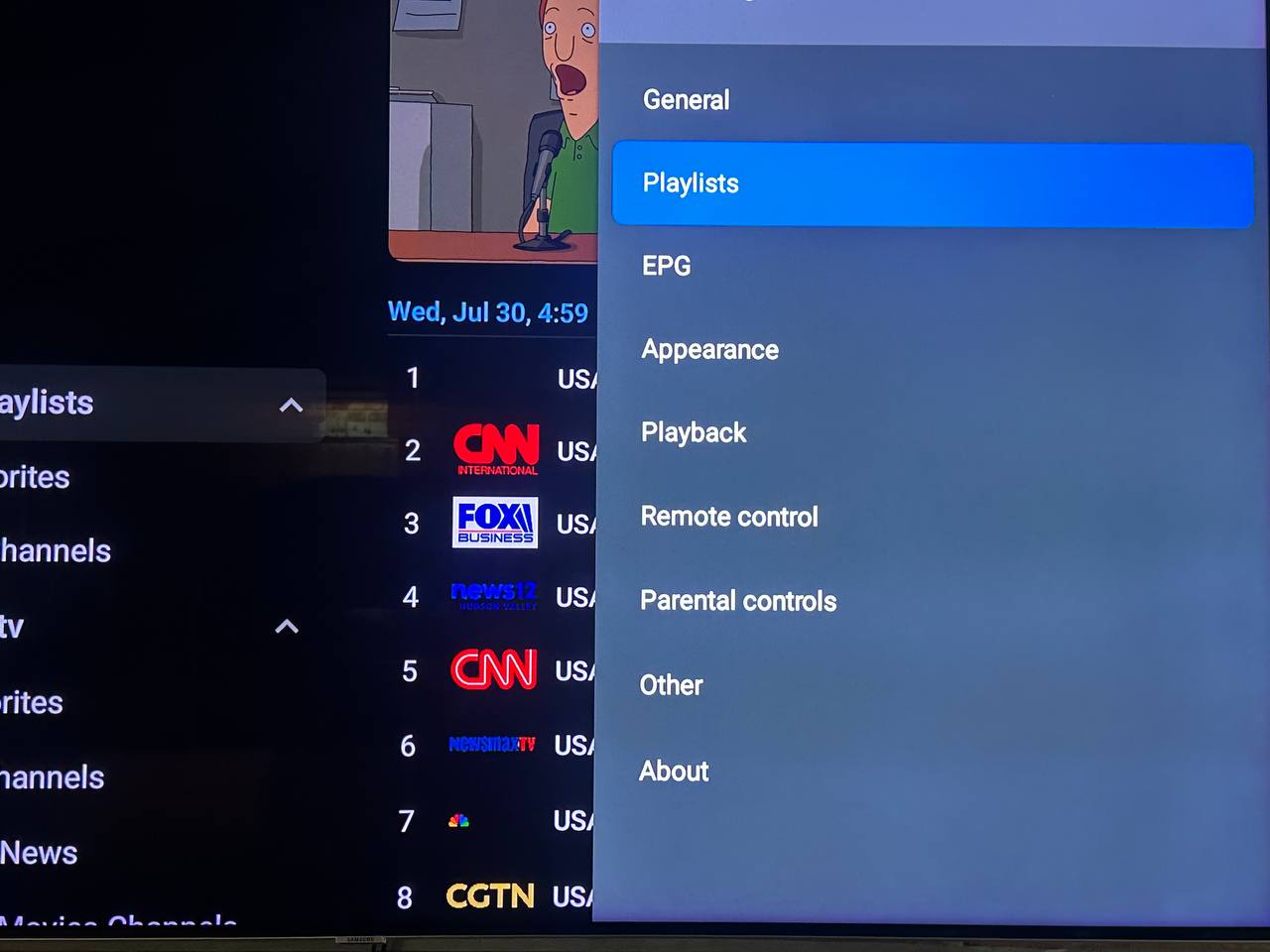
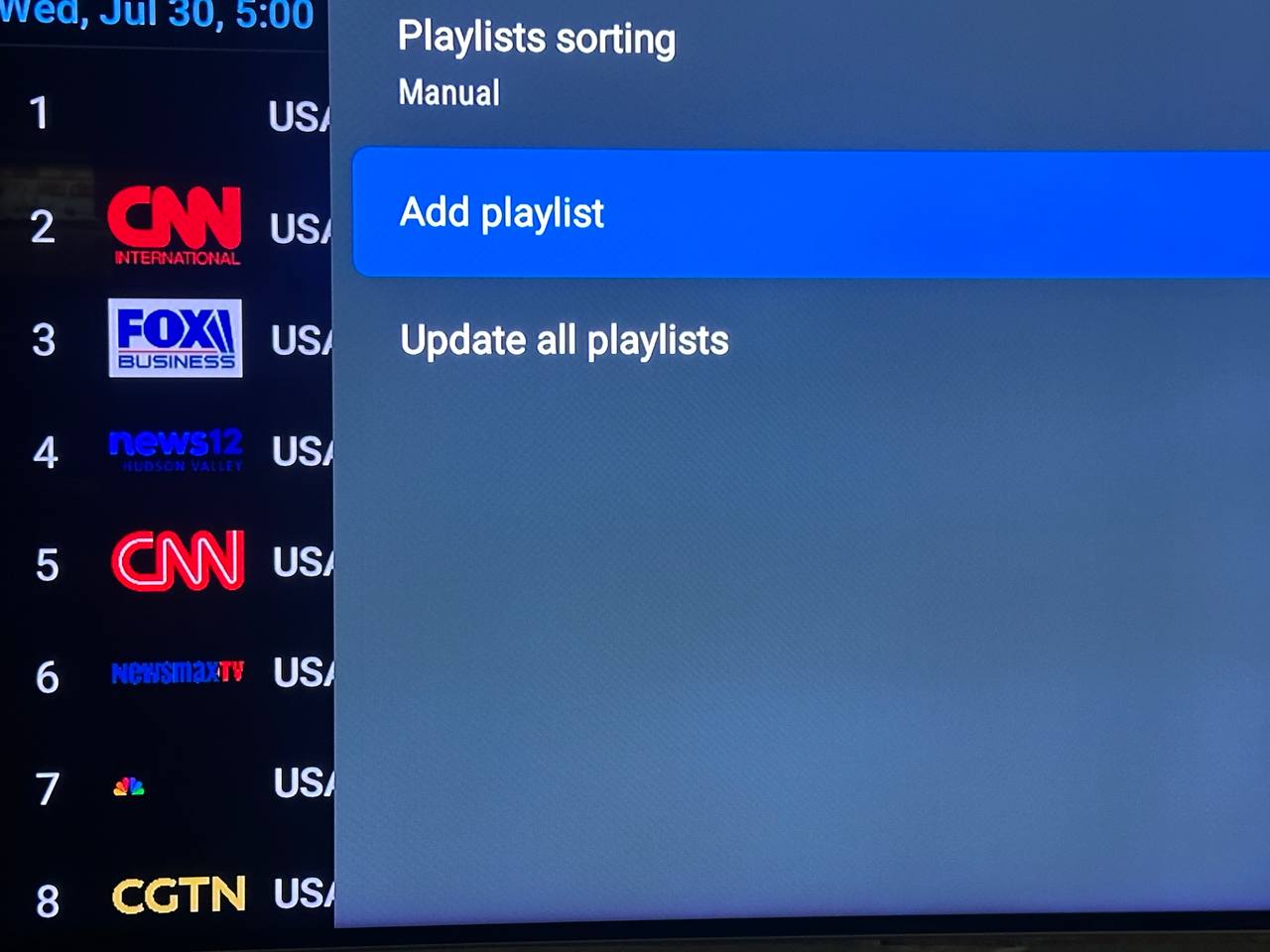
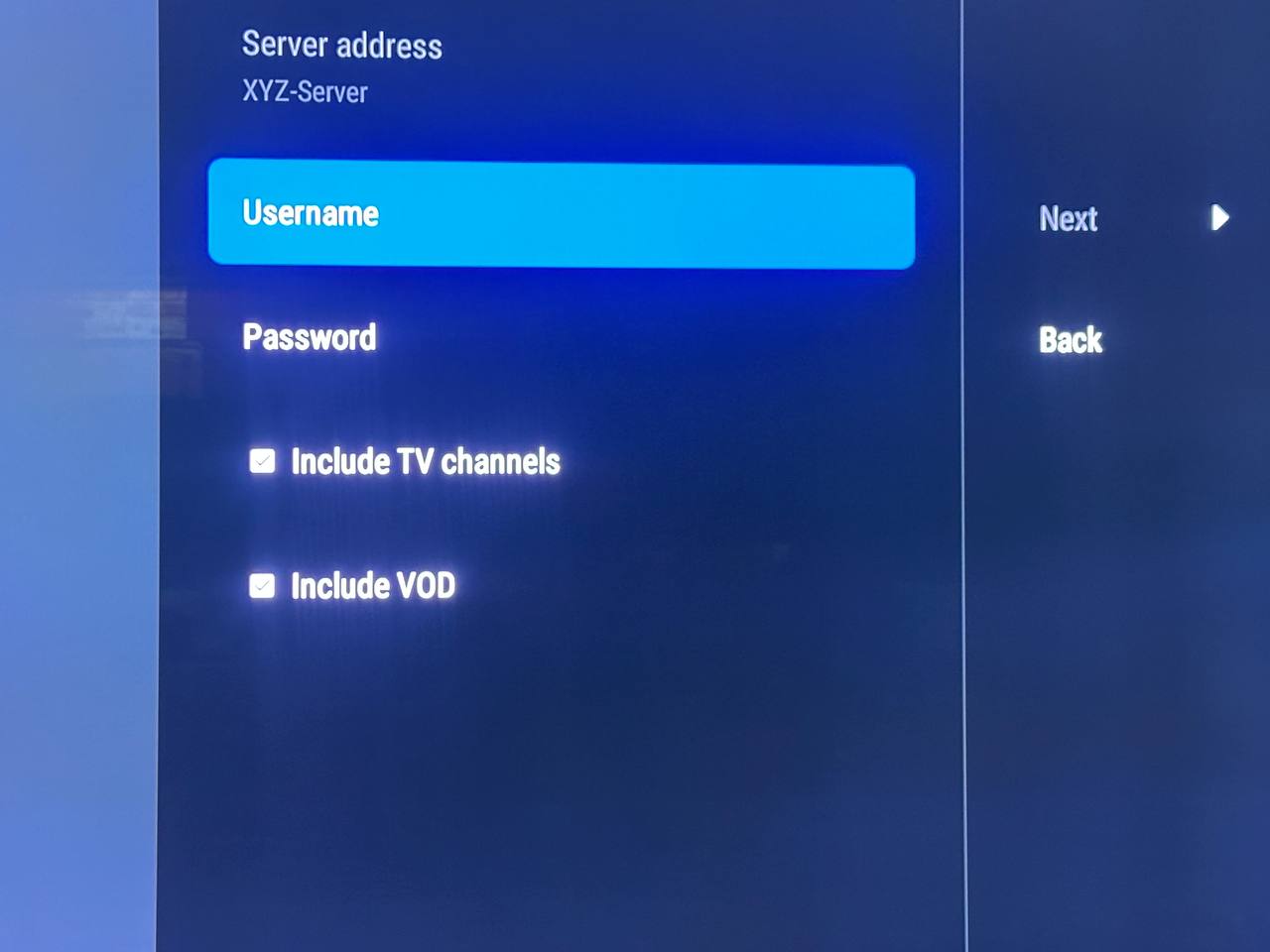
STEP C: 
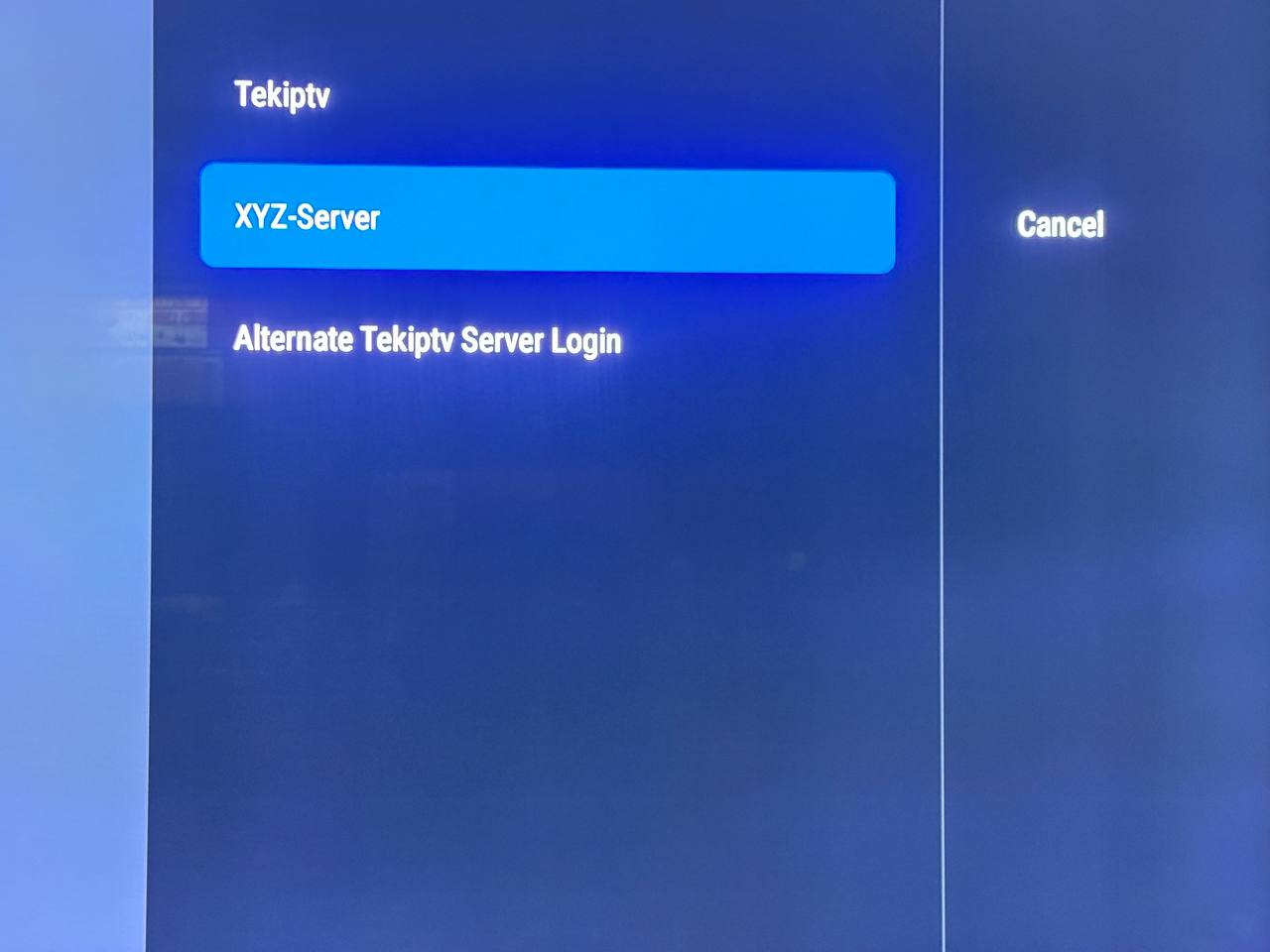
HOW TO ADD AN ADDITIONAL SERVER /PLAYLIST TO YOUR DEVICE

We need your consent to load the translations

We use a third-party service to translate the website content that may collect data about your activity. Please review the details in the privacy policy and accept the service to view the translations.